

You’ve outgrown your website builder. Perhaps editing pages is awkward, you need better functionality or the monthly costs keep climbing. Moving to WordPress or another platform sounds sensible, until somebody asks whether you’ll lose your Google rankings. If the existing site brings in enquiries, that’s a risk you shouldn’t brush aside.
Changing website platforms doesn’t automatically destroy search visibility, but a poorly managed migration can. You need to preserve useful URLs and content, redirect pages that move, protect technical settings and check what happens afterwards. I’ve worked on plenty of WordPress and SEO projects, and I’d treat an established site’s search traffic as something to protect from the first planning meeting, not something to inspect after launch.
1. Will moving from Wix or Squarespace to WordPress hurt SEO?
Not simply because the platform name changes. Search engines care about the accessible pages, their content, links, signals and technical behaviour. A move can cause disruption when those things change at once, even if the new design looks better.
Google advises that visibility may fluctuate during a site move while its systems discover and process changes. Its website migration guidance explains the role of redirects, URL mapping and validation. No responsible developer should promise your rankings will remain identical throughout the move.
2. Know which pages bring in business before changing anything
It’s easy to judge an old website by its design and miss the pages that are quietly generating enquiries. One unremarkable service page might attract valuable local searches every week. Remove it without a plan and you could lose more than you gain from the redesign.
Before approving a migration, record the important URLs, their search queries, organic traffic and conversions where those figures are available. Check Google Search Console and analytics rather than relying on memory. You want to know which pages earn their place and which genuinely need replacing.
3. What happens when page URLs change?
Suppose your old website uses /services/roof-repairs/ and the new site uses /roof-repairs/. The old address may appear in Google results, saved bookmarks and links from other websites. Simply deleting it creates a dead end.
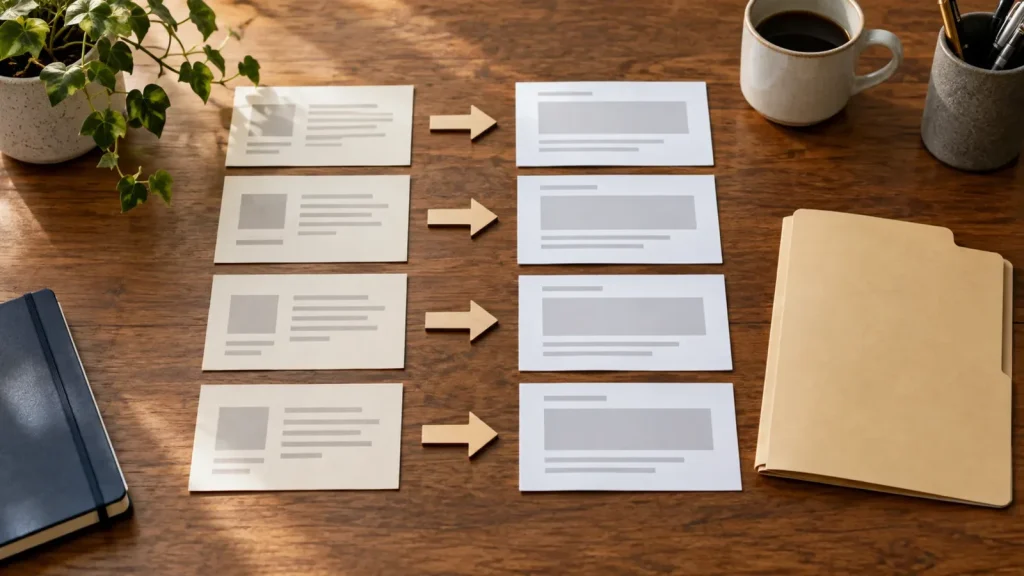
A permanent redirect tells visitors and search engines where the page moved. Redirects should go to the most relevant equivalent page, not automatically to your homepage. If the old content has no replacement, that needs an explicit decision. A useful migration plan is a page-by-page mapping, not a vague promise to “sort the redirects”.
4. Don’t throw away useful content during the redesign
New designs often use shorter paragraphs and fewer pages. That’s not necessarily a problem, but wholesale content removal can change what Google understands about your services and what customers find when they arrive.
I’d review important headings, service descriptions, location information, case studies and helpful answers before removing them. You can improve dated writing without discarding the subjects it covered. If a page ranks for a specific service, the new version should still answer that searcher’s question clearly. A redesign should make the business easier to understand, not erase useful evidence of what it does.
5. What technical SEO settings need protecting?
A migration includes details you can’t judge by opening the homepage. Someone should check canonical URLs, indexability, robots settings, XML sitemaps, page titles and whether the new pages load correctly. Temporary development settings mustn’t accidentally prevent important pages from appearing in search.
Ask who’s responsible for those checks and how they’ll verify them. This work belongs in the agreed scope. My article about what SEO should be included in a website build explains what questions to ask before appointing a supplier.
6. What if the existing site has hundreds of pages?
The more URLs you have, the more important the inventory becomes. Products, category pages, blog posts, downloads and images may all need attention. A small brochure site is a different job from an established shop or a service business with years of articles.
You don’t necessarily need to preserve every weak or redundant page forever. But consolidation should be deliberate. Decide which pages remain, which are merged and which are removed, then record what happens to each old address. That protects customers as well as search engines from confusing journeys.
7. Can you change the design and the platform at the same time?
You can, and sometimes it’s the most efficient approach. The difficulty is working out what caused a problem if the URL structure, content, design, hosting and functionality all change simultaneously.
Where possible, keep important search topics and customer journeys stable while improving the presentation. If major changes are unavoidable, agree how you’ll assess the results and which problems must be fixed immediately. Don’t add unrelated SEO experiments to a migration simply because somebody has opened the website for development.

8. What should be tested before the new website goes live?
I’d expect a practical migration checklist, not just a visual sign-off. It should cover:
- Important old URLs and their intended destinations.
- Key content, page titles and links.
- Contact forms, bookings and important customer actions.
- Mobile pages and essential navigation.
- Indexability, canonical URLs and sitemap settings.
- Analytics and Search Console access.
Test on the new environment, then check again after launch. A redirect mapping is only useful if it actually works.
9. How long until rankings settle after moving?
There isn’t an honest universal timetable. The scale of the move, how much changed, how efficiently Google discovers the new URLs and the site’s existing visibility all affect what happens next.
Watch relevant page and query performance in Search Console, along with actual enquiry numbers. Distinguish normal short-term fluctuations from obvious problems such as missing redirects, blocked pages or incorrect canonicals. If something important drops, investigate the affected pages rather than rewriting the entire site on instinct.
10. Is changing platform worth the disruption?
Sometimes the current builder is still doing its job. If customers can find you, the site converts and you can maintain it, don’t migrate just because a new platform is fashionable. A move should address an actual limitation: difficult editing, unreliable features, unsuitable integrations or excessive long-term costs.
Compare the benefits with the migration cost and risk. My website platform comparison can help with the broader decision, but your existing organic visibility deserves its own assessment.
Move for the right reasons and protect what already works
A migration can leave you with a better website and a more manageable platform. It should also preserve the value built into your current pages wherever possible. That requires an inventory, a clear migration scope and proper testing.
If you’re considering moving an established business website and want to understand the likely work involved, book a call. Tell me what platform you’re on, why you want to leave and which pages matter commercially. I’ll explain how I’d assess the project before giving a firm scope.