

You can build a business website on almost anything now. That does not make choosing the platform any easier.
The wrong choice often looks perfectly fine on day one. You notice the limitation later, when you want to add a new service, improve the SEO, change the design, connect another system or give somebody else responsibility for the site. WordPress, Wix, Squarespace and AI website builders can all be sensible options, but they suit different businesses.
Start with what the website needs to become
A one-person business that needs a simple online presence has different requirements from an established company using the website to generate enquiries, publish case studies, support SEO and develop new services.
Think about the next two or three years, not just launch day. Who will update the site? Will you add services or locations? Will you need landing pages, integrations or more structured content? How important is organic search? The answers make the platform decision much easier.
Wix: straightforward when the requirements are contained
Wix can work well for a small business that wants to get a professional-looking site online without managing hosting, themes or a separate development setup. The visual editor is accessible and a simple brochure site can be managed by somebody without technical experience.
The limitation is usually flexibility as the site becomes more specific. If the business starts needing more tailored service pages, custom data, unusual integrations or a very particular editing workflow, you may find yourself working around the platform rather than with it.
Squarespace: polished presentation with a defined framework
Squarespace suits businesses that value strong visual presentation and can work comfortably within a more controlled set of templates and features. Portfolios, smaller professional sites and straightforward content-led sites can be a good fit.
It becomes less attractive when the website needs a more bespoke content model, specialist integrations or deeper control over how pages and services are structured. The same consistency that makes Squarespace easy to manage can become restrictive when the business wants to move outside the standard patterns.
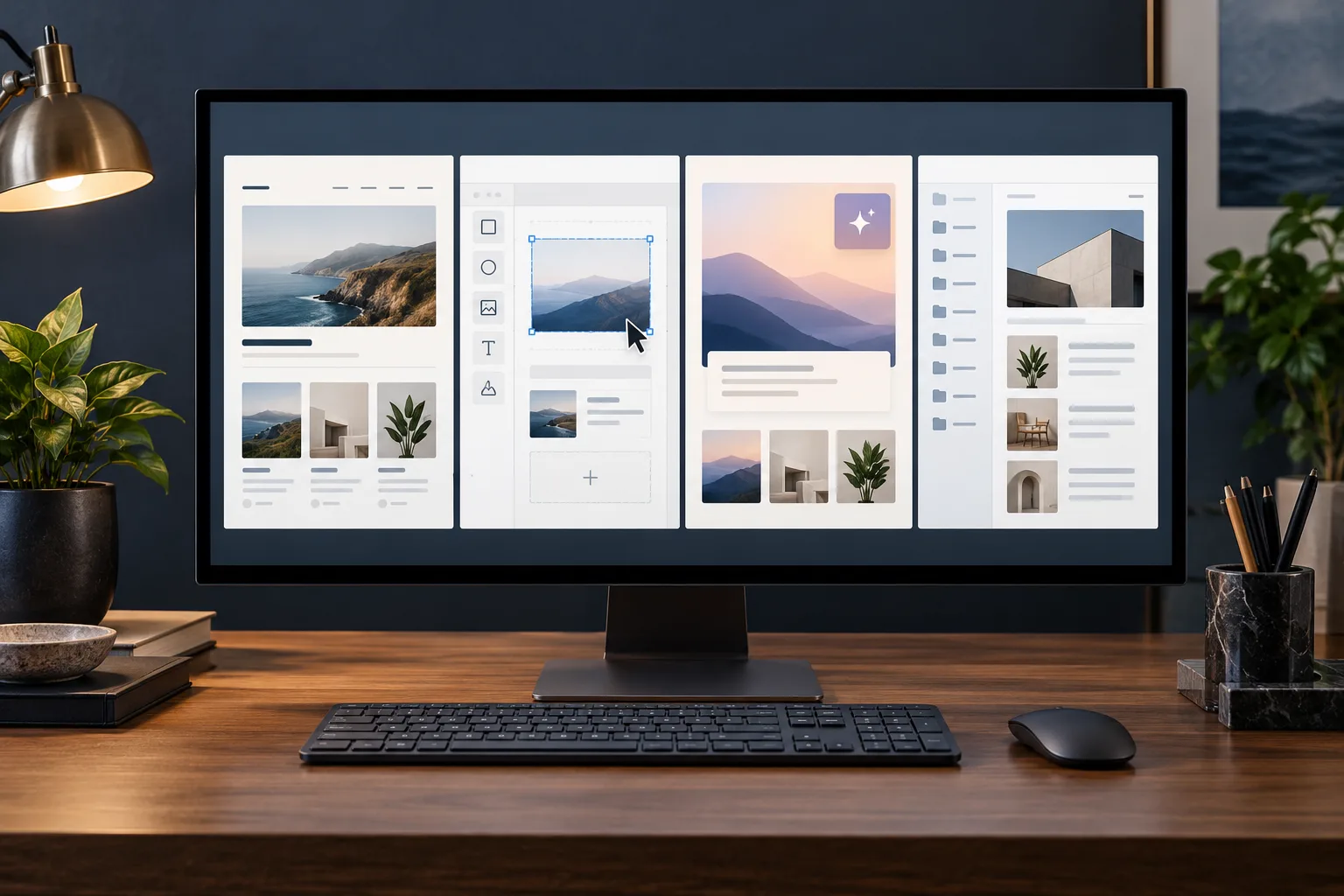
AI website builders: useful speed, but still a platform decision
AI website builders can produce a convincing first version very quickly. They are useful for exploring ideas, creating a prototype, testing a concept or getting a simple site online when the commercial risk is low.
The generated result still needs the same questions asked of any other platform. Can the content be managed properly? Can the site grow? What happens when you need custom functionality? Can another developer work on it? Are the forms, tracking, SEO foundations and mobile behaviour actually correct?
If you are already considering an AI-built site, read what to check before relying on an AI-built website and whether AI should build your business website.
WordPress: more control when the website needs to grow with the business
WordPress is not automatically the best answer for every project. It needs sensible hosting, maintenance and a build that has been thought through properly.
For established businesses, my WordPress web design work generally uses bespoke WordPress with Advanced Custom Fields. That lets me build the editing experience around the content the business actually manages: services, case studies, people, locations, calls to action and reusable sections. The client edits structured content rather than rebuilding layouts inside a generic page-builder canvas.
That approach also keeps the production website separate from whichever AI tools I use during research, wireframing, development or QA. The tools can change without forcing the client to move the website onto another platform.
How the platforms compare in practical terms
Ease of management: Wix and Squarespace can be easier at the start because the editing model is already defined. WordPress can be just as straightforward when the admin has been built around the client’s content, but a badly configured WordPress site can be unnecessarily complicated.
Ownership and control: WordPress gives more scope to move hosting, change developers and extend the site. Hosted platforms trade some of that freedom for convenience.
SEO: none of the platforms creates rankings by itself. You still need useful pages, clear structure, good internal linking and sound technical implementation. The platform matters when it starts limiting those things.
Future development: a simple platform is fine while the requirements stay simple. If you expect custom functionality, complex content, integrations or a growing service structure, flexibility becomes more important.
Cost is more than the monthly subscription
A low monthly platform fee can be excellent value if it does everything the business needs. It becomes expensive when staff spend time fighting limitations, work needs to be recreated elsewhere or the site has to be rebuilt sooner than expected.
WordPress has its own ongoing costs: hosting, maintenance and development when the site changes. The benefit is that the business has more control over how those costs are used and how the site develops.
Do not choose from the demo
Every platform looks good in its own examples. Your finished site will contain your content, photography, forms, analytics, services, proof and day-to-day updates.
Before committing, ask how the platform handles the next likely change. Add a service. Publish a case study. Create a campaign page. Change a call to action. Add an integration. Give another person editing access. If those ordinary tasks already sound awkward, pay attention to that now rather than after launch.
Choose the platform that leaves you room to operate
A simple Wix or Squarespace site can be exactly what a small business needs. An AI builder can be useful where speed and experimentation matter most. Bespoke WordPress tends to make more sense when the website is a long-term sales and marketing asset that needs structured content, flexibility and continued development.
If you are comparing platforms and do not want to discover the trade-offs after the build, book a call. I can talk through what the business needs now and what is likely to matter later, then recommend the route that fits rather than forcing every project into WordPress.